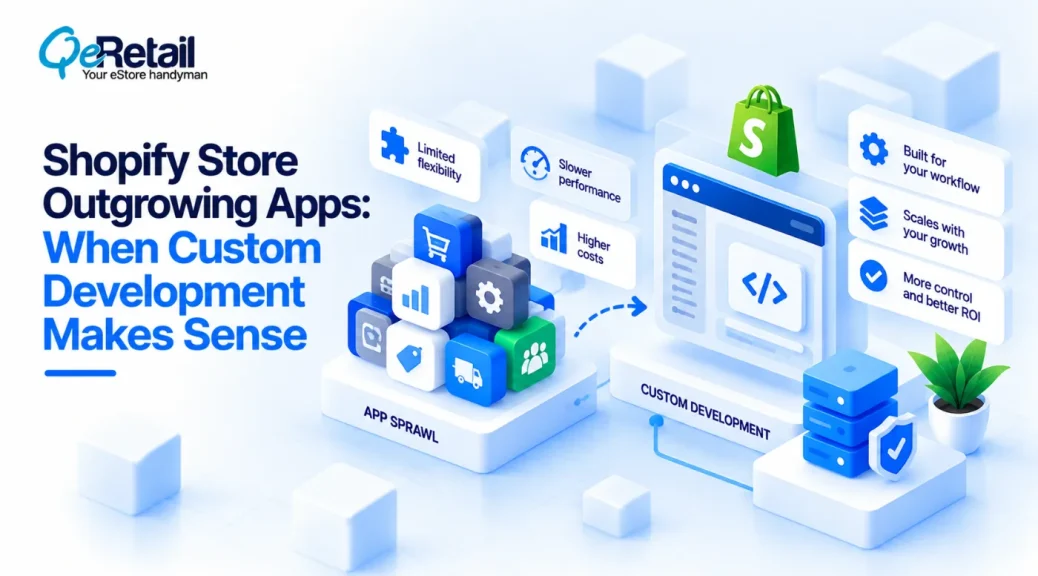
Shopify’s App Store can solve a wide range of store requirements without requiring merchants to build everything from scratch. For many businesses, installing an existing app is the fastest way to add functionality.
Shopify’s App Store now has more than 21,000 apps, giving merchants a broad range of ready-made solutions for common requirements.
But as a Shopify store grows, the problem sometimes changes.
A store may need a workflow that depends on its own business rules, connects several internal systems, or behaves differently based on products, customers, orders, inventory, or operational conditions. At that point, installing another app may add functionality without actually solving the underlying problem.
Shopify supports custom apps specifically for individual stores or organizations. These apps can access store data through Shopify APIs and can extend Shopify interfaces through app extensions, allowing functionality to be built around a store’s specific workflow rather than a generalized use case.

Key Action Points Summary
- Start with the business workflow before searching for an app
- Consider custom development when existing apps require too many workarounds
- Build around business rules that are specific to your store
- Evaluate integrations with ERP, CRM, WMS, PIM, and other systems
- Avoid combining multiple apps to recreate one connected workflow
- Check API access, permissions, and extension requirements before development
- Use Shopify app extensions when functionality needs to appear inside Shopify
- Separate genuinely custom requirements from standard store functionality
- Plan authentication, monitoring, error handling, and maintenance early
- Treat a custom app as part of the store’s technology architecture
7 Situations When A Shopify Store Should Consider A Custom App
A custom app should not be the default answer every time an existing app feels inconvenient.
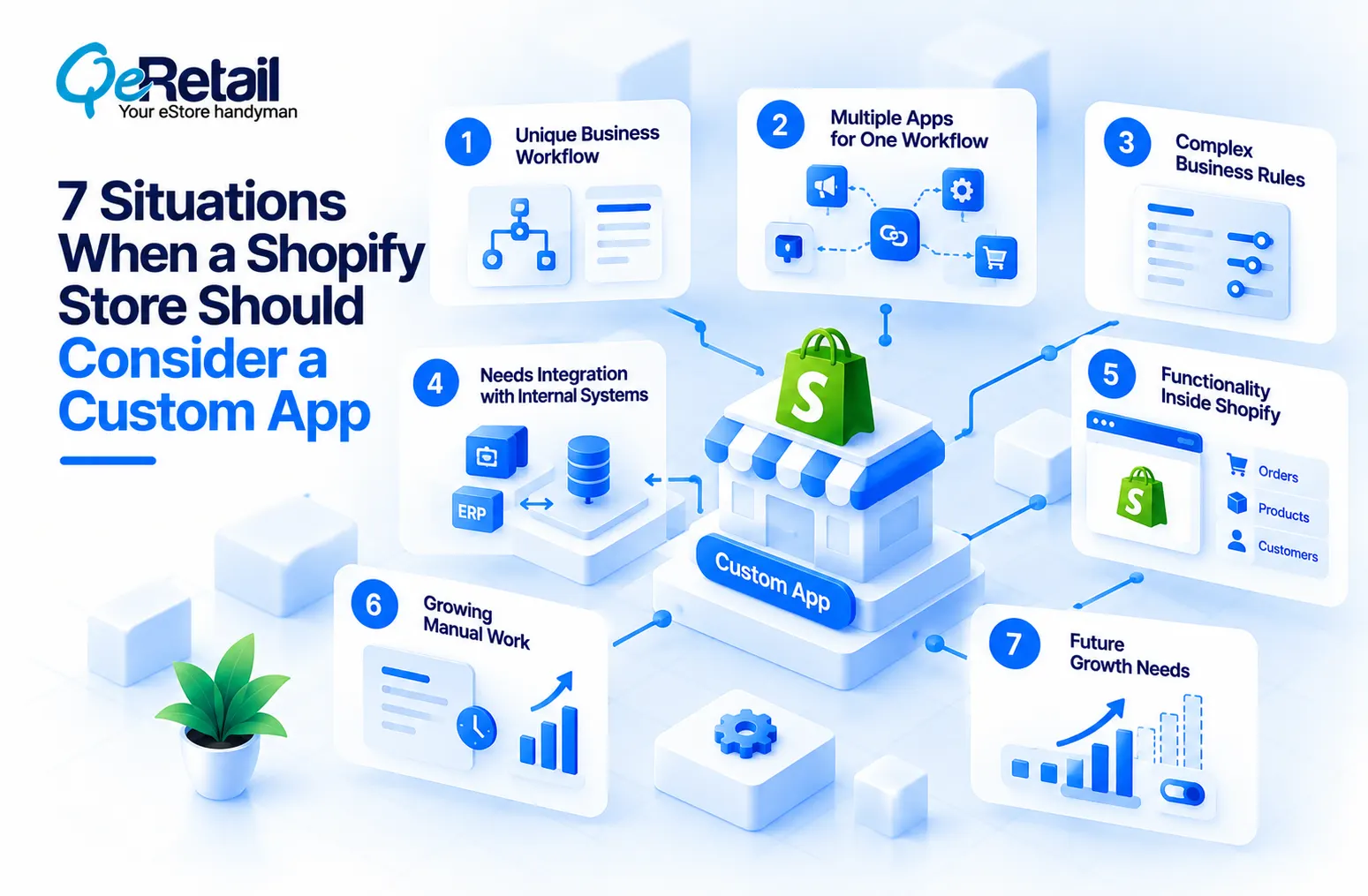
The stronger question is whether the store has reached a point where its workflow, data requirements, or integrations no longer fit comfortably within the assumptions of an off-the-shelf application.
1. Build A Custom App When Your Workflow Is Specific To Your Business
Most Shopify apps are designed around common merchant requirements.
That makes them useful when your store’s process resembles the problem the app was designed to solve. But a business may have its own approval steps, pricing rules, product relationships, customer conditions, operational processes, or order workflows that do not fit neatly into a standardized app.
When the requirement depends on several business-specific conditions, repeatedly configuring an existing app can become more complicated than building the workflow around the actual requirement.
What Should Shopify Stores Do To Improve?
- Document the complete workflow before choosing an app
- Separate standard Shopify features from custom business rules
- Identify where the existing app needs manual workarounds
- Map the conditions that control the workflow
- Estimate the long-term cost of those workarounds
Quick Win:
Map one complex workflow from beginning to end. If the process depends on several unsupported conditions, evaluate a custom app instead.
2. Consider A Custom App When Multiple Apps Complete One Workflow
One app may handle product data, another may control pricing, another may manage inventory, and another may connect with an external system.
Individually, each application may solve part of the problem. Together, however, they can create dependencies between systems that are difficult to control.
The issue is not simply the number of apps installed. It is whether several applications are being used to recreate one business workflow that would be easier to manage as one connected system.
What Should Shopify Stores Do To Improve?
- Identify workflows that depend on multiple apps
- Map where each application creates or changes data
- Look for duplicate data transformations
- Identify manual steps between applications
- Measure the effort required to maintain the app chain
Quick Win:
Map your most important workflow as Shopify → App A → App B → External System and highlight every manual or delayed step.
3. Build Custom Functionality When Existing Apps Cannot Match Your Business Rules
Some requirements are not difficult because they need a complicated interface. They are difficult because the logic behind them is specific.
A store may need different behavior based on customer segments, product combinations, order values, inventory conditions, geographic rules, or information stored in another business system.
A standardized app may support some of these conditions, but the store may eventually reach the limits of what those settings can represent.
What Should Shopify Stores Do To Improve?
- List every condition affecting the workflow
- Identify which conditions the existing app supports
- Separate configurable rules from custom logic
- Check whether Shopify data is enough for the decision
- Identify external systems that influence the workflow
Quick Win:
Create a simple decision table for the workflow. If the app cannot represent the required combinations cleanly, evaluate custom development.
4. Consider A Custom App When Shopify Needs To Connect With Internal Systems
Some Shopify requirements cannot be solved entirely within the storefront.
An ERP may contain operational information, a WMS may control fulfillment, a PIM may manage product information, and a CRM may contain customer or sales data. When Shopify needs information from these systems as part of a custom workflow, the requirement becomes an integration problem as well as an app problem.
Shopify’s current app architecture provides APIs for reading and writing store data, while app extensions can surface functionality directly inside Shopify interfaces.
What Should Shopify Stores Do To Improve?
- Identify every external system involved
- Define the source of truth for each data type
- Map identifiers between Shopify and external platforms
- Decide between real-time and scheduled data exchange
- Plan authentication, retries, and failure handling
Quick Win:
Choose one manual Shopify-to-system workflow and document every field employees currently transfer between platforms.
5. Build A Custom App When The Requirement Needs To Live Inside Shopify
A custom application does not necessarily mean building a separate system that merchants must open every time they need it.
Shopify supports app extensions that can place functionality into relevant Shopify interfaces. Admin UI extensions can add contextual blocks and actions to areas such as product and order pages.
This can make custom functionality part of an existing merchant workflow instead of creating another disconnected dashboard.
What Should Shopify Stores Do To Improve?
- Identify where the task already begins in Shopify
- Determine the most relevant Shopify admin surface
- Use the appropriate app extension
- Keep the interface focused on the required action
- Check Shopify’s current extension capabilities
Quick Win:
Find one admin task that repeatedly takes employees outside Shopify. Evaluate whether an admin extension could bring that task closer to its starting point.
6. Consider A Custom App When Manual Work Is Growing With Order Volume
Manual processes can remain manageable while a store is small.
As order, product, customer, or inventory volumes increase, however, the same workflow may require more employee time and create more opportunities for inconsistent data or missed steps.
MIT’s 2025 State of Omnichannel Supply Chain study found that 80% of surveyed professionals reported ongoing eCommerce growth, increasing the operational complexity businesses need to manage.
This is often a sign that the problem is no longer simply about adding a feature. The store may need to automate the underlying process.
What Should Shopify Stores Do To Improve?
- Identify repetitive tasks performed after each order
- Measure employee time spent on manual processes
- Track errors caused by manual data handling
- Identify workflows that increase with order volume
- Prioritize automation around high-frequency tasks
Quick Win:
Track one repetitive process for a week and record how many times employees perform it manually. Use the result to identify the strongest automation opportunity.
7. Build A Custom App When The Existing Solution Limits Future Growth
A third-party app may solve today’s requirement while creating limitations for tomorrow.
The store may eventually need additional integrations, new business rules, different user roles, more complex reporting, or changes to the customer experience. If every change depends on whether the app provider supports it, the business has limited control over its roadmap.
A custom app can provide more control when the requirement is expected to evolve significantly with the business.
What Should Shopify Stores Do To Improve?
- Identify requirements likely to change over time
- Check the existing app’s customization limitations
- Review dependency on the app provider’s roadmap
- Consider future integrations before selecting an architecture
- Estimate the cost of replacing the solution later
Quick Win:
List the next three changes you expect in the workflow. If the current app cannot support them without major workarounds, evaluate a more controllable architecture.
How QeRetail Helps Build Custom Shopify Apps
Building a custom Shopify app requires more than developing the required feature in isolation.
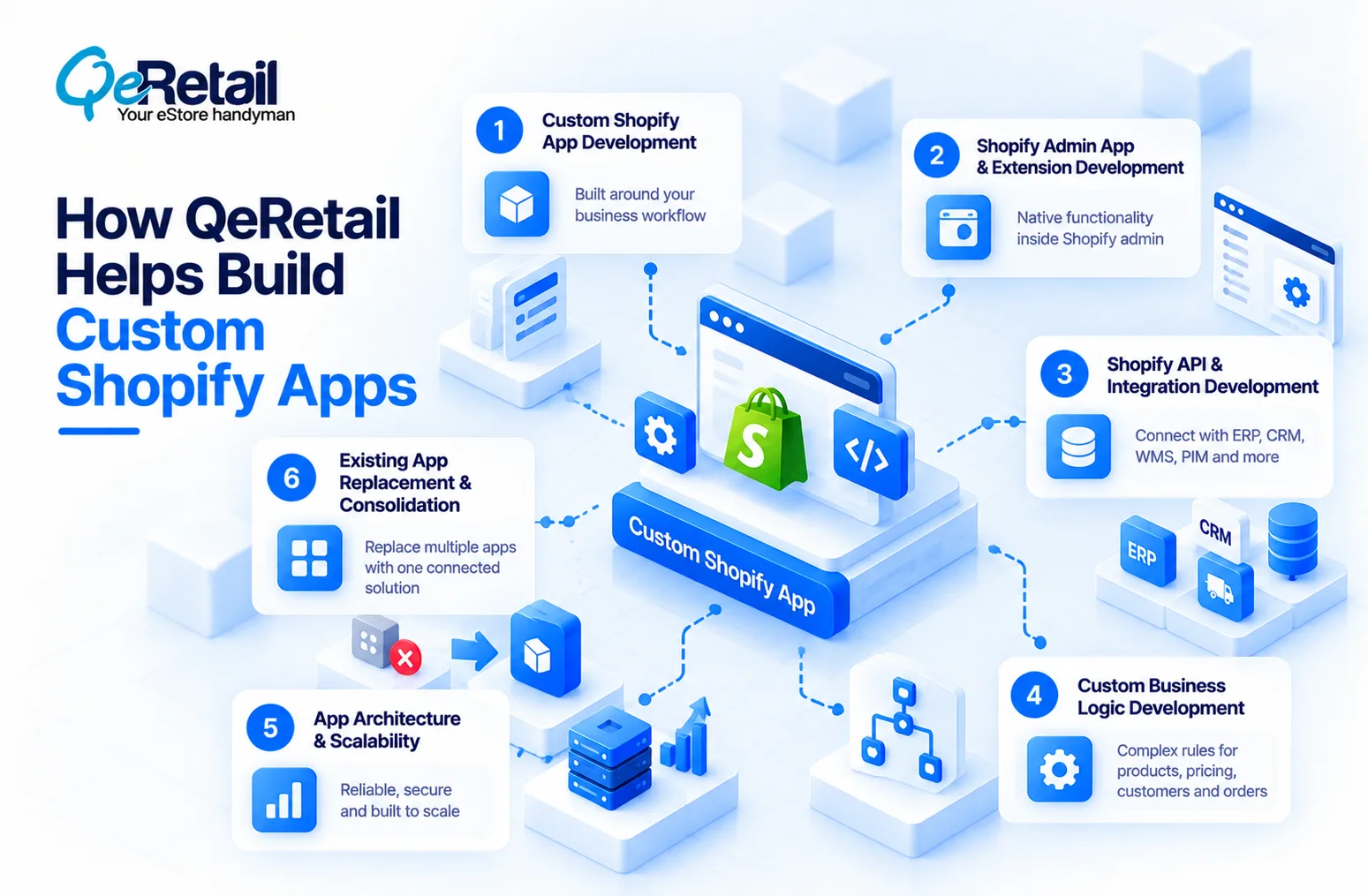
QeRetail connects business workflows, Shopify capabilities, integrations, and long-term scalability into one practical solution.
1. Custom Shopify App Development
Our team designs and develops custom Shopify applications around business-specific workflows, helping stores avoid adapting their operations to the limitations of a generic application.
2. Shopify Admin App And Extension Development
We build functionality within Shopify’s admin experience using appropriate app surfaces, actions, blocks, and extensions, so custom workflows can become part of existing merchant processes.
3. Shopify API And Integration Development
Our experts connect custom Shopify applications with ERP, CRM, WMS, PIM, fulfillment, inventory, and other business systems to support connected data and operational workflows.
4. Custom Business Logic Development
Complex pricing, product, customer, order, inventory, and operational rules can be translated into application logic that supports the store’s current requirements while remaining flexible for future changes.
5. App Architecture And Scalability
We design the application architecture around API requirements, authentication, data volume, external dependencies, error handling, and future expansion to create a solution that can scale with the business.
6. Existing App Replacement And Consolidation
When multiple apps create fragmented workflows, our team can evaluate the existing setup and identify opportunities to consolidate selected functionality into a more controlled custom solution.

Conclusion
The decision to build a custom Shopify app should begin with the business problem, not with the desire to own more technology.
Existing Shopify apps remain valuable when they already provide the required functionality without forcing the business into unnecessary compromises.
A custom app can give a Shopify store greater control over business logic, integrations, merchant workflows, and future changes when those requirements cannot be handled effectively through existing applications.
QeRetail helps Shopify businesses evaluate, design, and develop custom applications that fit their operational requirements while working within Shopify’s current APIs and extension architecture.
Contact us to discuss a Shopify requirement that has outgrown another off-the-shelf app.
Frequently Asked Questions
What Is A Custom Shopify App?
Is A Custom Shopify App Better Than A Shopify App Store App?
Can A Custom Shopify App Connect With An ERP Or CRM?
Can A Custom App Appear Directly Inside The Shopify Admin?
When Should A Shopify Store Stop Adding Third-Party Apps?
Table of Contents