This holiday season, 55% of planned retail holiday spend is headed online, according to Deloitte’s 2026 Holiday Retail Survey. Every one of those orders ends in the same quiet moment: the shopper closes the confirmation email and starts wondering where the box is.
Most stores treat the “Where is my order?” email (WISMO) as a support problem. It is a communication problem. Your fulfillment may be fine.
Your updates are what is missing, and each missing update becomes a ticket your team answers by hand, one tracking number at a time. This guide shows you how to cut WISMO tickets before peak week buries your inbox.
Key Action Points:
- Publish a delivery window and last-order date on product pages, cart, and checkout
- Test every Shopify email to confirm it links to your order status page
- Send every tracking link to your branded tracking page, not the carrier’s site
- Email shoppers about a delay before they notice it
- Tag every WISMO ticket and track tickets per order each week
- Train your team to open every reply with the tracking page link

Why Most Shopify Stores Answer WISMO Too Late?
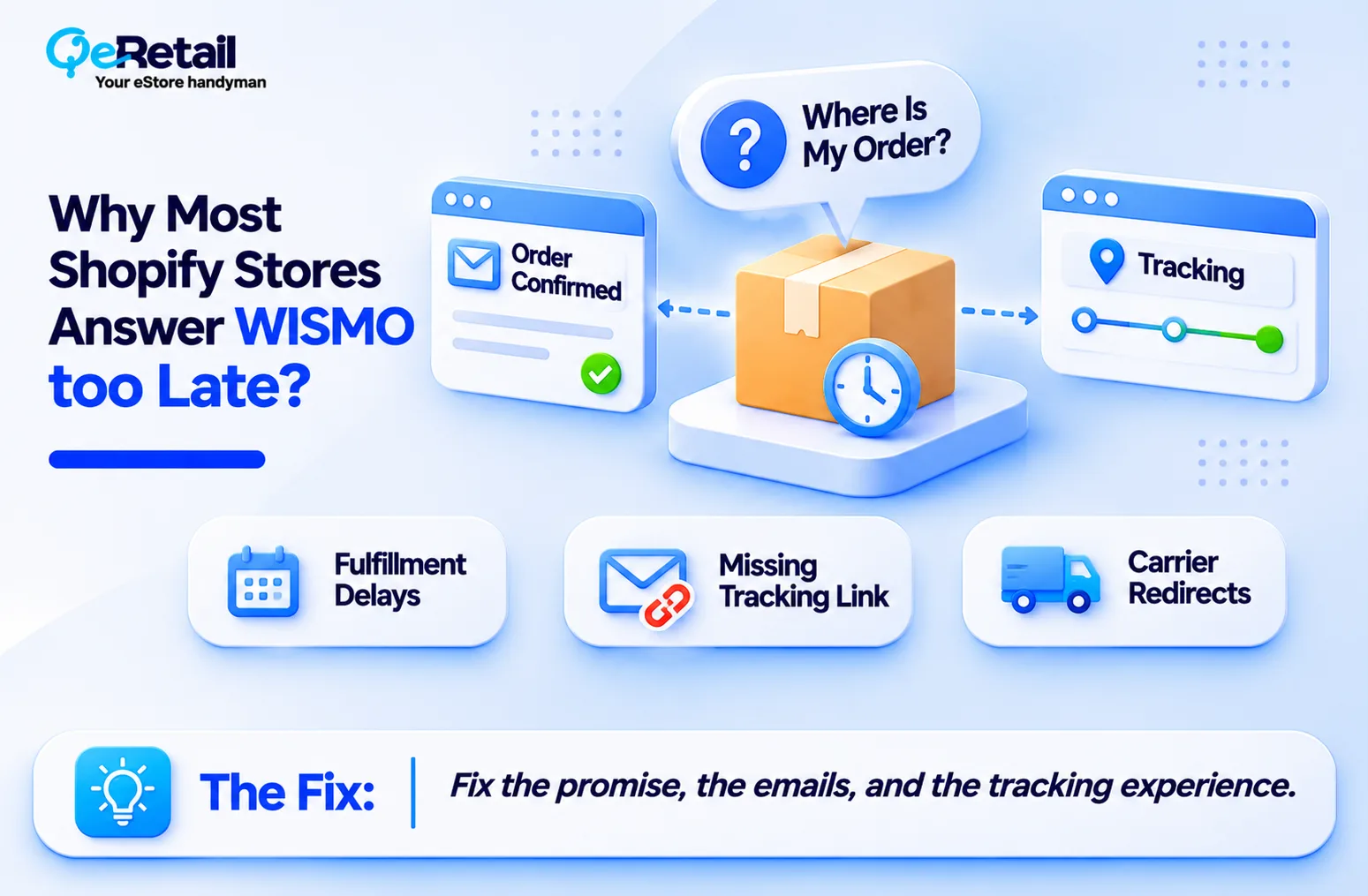
A WISMO ticket is not a question about shipping. It is a question about silence. The package may be moving exactly as planned, but the shopper cannot see it, so they ask you.
The Gap Between Confirmation and Tracking
Shopify sends the shipping confirmation when you fulfill an order and add a tracking number. Until then, the shopper has only an order confirmation. If your team ships in batches, shoppers can wait days with nothing new in their inbox. During peak, fulfillment queues stretch, and the silence stretches with them.
Custom Email Templates That Lose the Tracking Link
Shopify’s default templates include a link to the order status page automatically. Customize the order confirmation, shipping confirmation, or shipping update template, and Shopify can no longer add that link for you. You have to put the order status URL back with Liquid code. (If nobody has tested those emails since the last template edit, assume the link is missing.)
Carrier Pages That Send Shoppers Away
A link to the carrier’s site hands your customer to a page you do not control. It speaks in scan events, makes no promise on your behalf, and offers no path back to your help desk. Shoppers who cannot read it write to you instead.
So what do you fix first?
Not your support macros.
The ticket exists because of the promise, the emails, and the page, and all three sit upstream of your help desk.
The 4-Step Pre-Peak WISMO Prevention System
Prevention beats deflection. Work through these four fixes in order, because each one removes a reason for the next ticket.
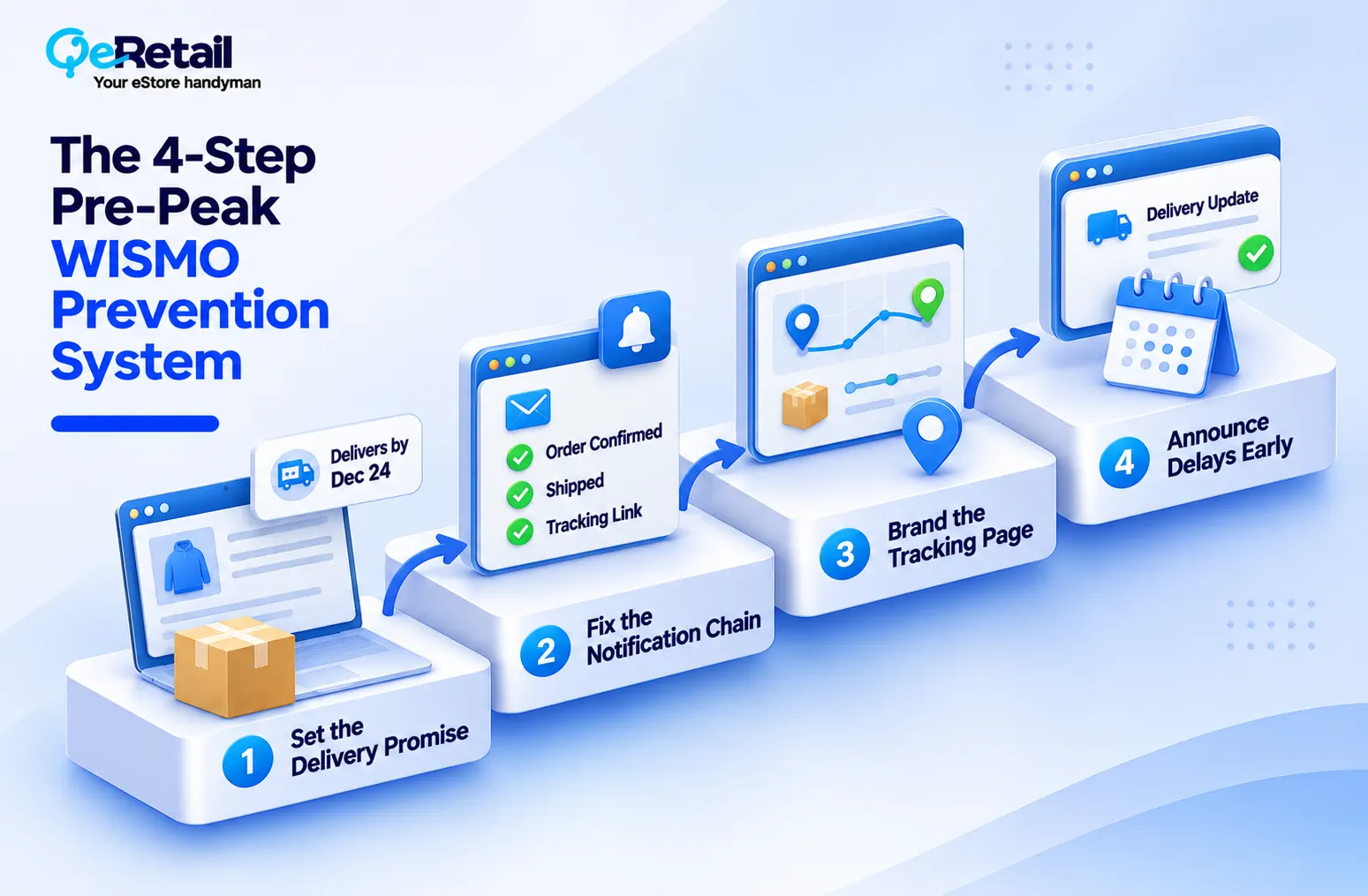
Step 1: Set the Delivery Promise Before Checkout
Tickets start before the order exists. State your processing time, transit window, and last-order date for holiday delivery on product pages, in the cart, and at checkout. Expectations keep rising: 26% of shoppers want same-day delivery, including 37% of Gen Z.
You will not match that, but a clear date beats a fast, vague one. Pair this with Shopify checkout optimization for optimal results.
Expert Take:
A generous delivery window is not a risk. A missed window is. Quote the range you hit on your worst week, not your best, because every day you beat the promise prevents a ticket and every day you miss it starts one.
Quick Wins:
- Add a last-order date to your announcement bar and stop “Will it arrive by Christmas?” emails
- Write one shipping line for every product page: processing days plus transit days
Step 2: Fix the Notification Chain
Open Settings, then Notifications, in your Shopify admin. Place a test order with your own email and a supported carrier, fulfill it, add a tracking number, and read each email as a shopper would. Does the order confirmation carry an estimated delivery window?
Does the shipping confirmation link to your order status page? Shopify Messaging can also send order confirmations with estimated delivery times and tracking numbers. Fix every gap you find before you touch anything else, because one missing link repeats on every order.
Expert Take:
More notifications do not mean fewer tickets. Four emails that all say “on the way” teach shoppers to ignore the fifth. Send an update only when the status changes: confirmed, shipped, out for delivery, or delayed.
Quick Wins:
- Place a test order and click every tracking link as a shopper would
- Re-add the order status URL to any custom template that lost it
Step 3: Brand the Tracking Page
Shopify’s built-in order tracking includes a branded status page with a map of the package location, plus updates by email or in the Shop app. Point every shipping email and SMS at that page, not at the carrier. If you need more customization or extra notification types, tracking apps such as AfterShip and ShipStation add them.
Expert Take:
A tracking page is not a banner slot. A discount pop-up that appears before the delivery date makes the shopper feel stalled, not served. Lead with the date and the status, then put recommendations below.
Quick Wins:
- Replace carrier links in every shipping email with your order status page
- Add a three-line FAQ on delays, address changes, and lost packages beneath the status
Step 4: Announce Delays Before Shoppers Find Them
Carriers slip during peak, and you see it first because scans stall. Message those shoppers before they message you. A short email with the new window and the tracking link turns a complaint into reassurance. For the longest delays, add a small credit as a goodwill gesture.
Expert Take:
An apology sent after the complaint costs you a ticket and often the next order. Sent before, it costs one email. Give one person the job of checking stalled shipments every morning in peak week, because no app owns that decision for you.
Quick Wins:
- Filter fulfilled orders with no carrier scan for 3 days and email those shoppers first
- Save a delay email template today so your team sends it in minutes
What Should Your Team Do When Tickets Still Arrive?
Some tickets will still come in. The goal shifts from prevention to fast, low-effort resolution that also tells you what to fix next.
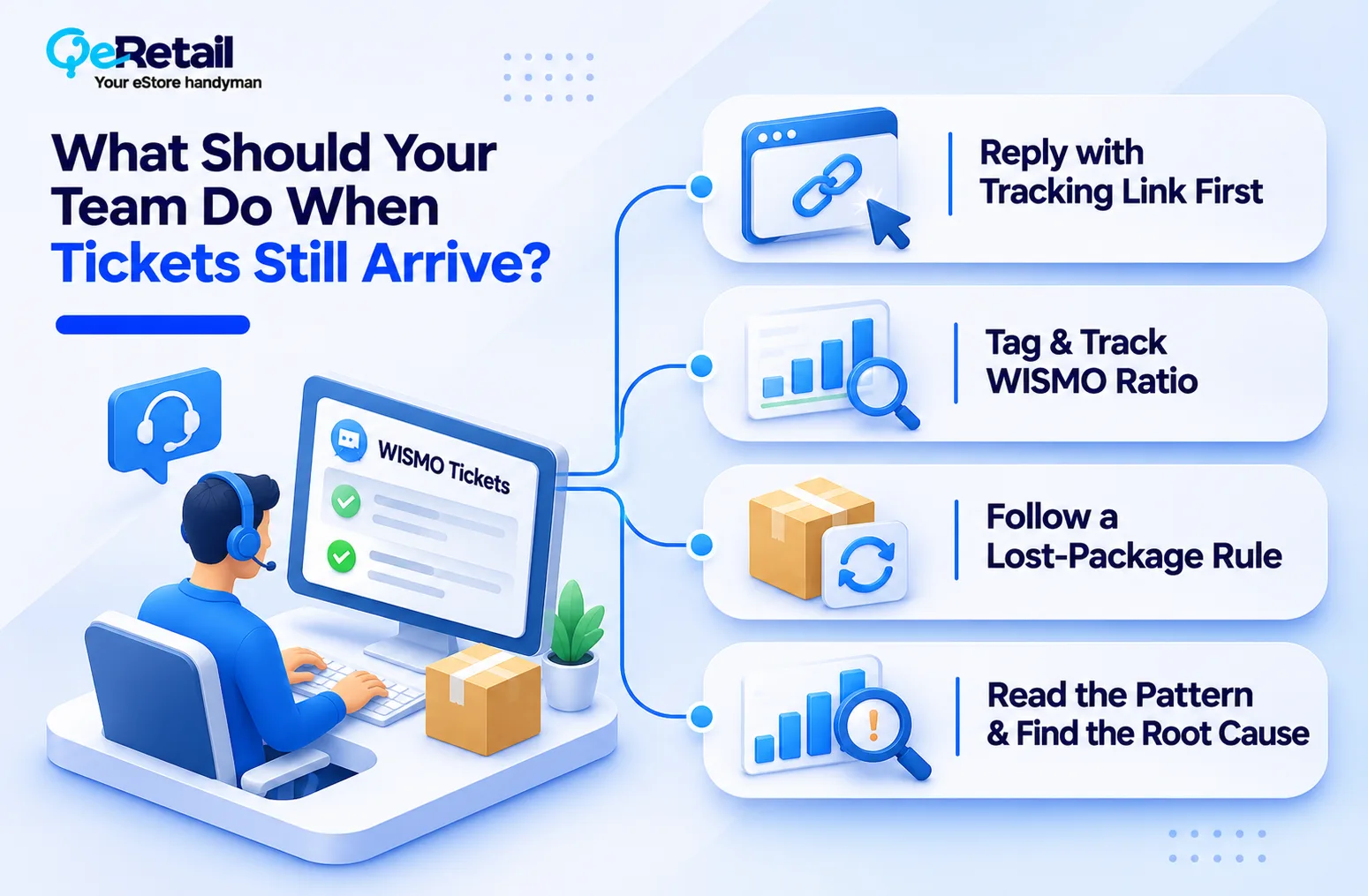
- Reply with the link first: Open every WISMO answer with the tracking page link, then the human detail. A Gartner survey found agent promotion of self-service is associated with a doubling of customers likely to use it next time.
- Tag every WISMO ticket: Divide WISMO contacts by total orders for the same week. That ratio shows whether Steps 1 to 4 worked.
- Write a lost-package rule: Decide in advance when a stalled order becomes a reshipment or a refund, so agents never wait on approval in peak week. A written rule turns a long thread into one reply.
- Read the pattern: Tickets clustered on one carrier, one product, or one day point to a root cause, not a messaging gap.

Stop Answering WISMO Tickets. Start Preventing Them.
Most stores believe they handle WISMO well because replies go out fast. You did not solve the problem; you just got quick at apologizing for it. (If your team still pastes tracking numbers into emails by hand, the problem is still yours.)
A store that states its delivery window, links every email to a branded status page, and warns shoppers about delays first stops losing hours to one repeated question. Those hours move to exchanges, gift requests, and the repeat orders that lower your blended acquisition cost.
Need a partner who can audit your notifications, tracking page, and post-purchase flow before the next peak? Book a free consultation, and we will map every point where your shoppers go quiet.
Frequently Asked Questions
What Does WISMO Mean in Ecommerce?
How do I add the Order Status Link to Custom Shopify Emails?
Does Shopify Have Built-In Order Tracking?
How Early Should I Send Delay Notifications?
Can a Small Team do This Before Peak Season?
Table of Contents